Find or make a model
A 3D print starts with a digital model file. Many customers find files on model sites, while others export a file from CAD or design software.
Beginner guide
New to STL files, model sites, materials, infill, layer height, and quotes? This page explains the basics in plain English so you can find a model, download the right file, and get it printed with less guesswork.
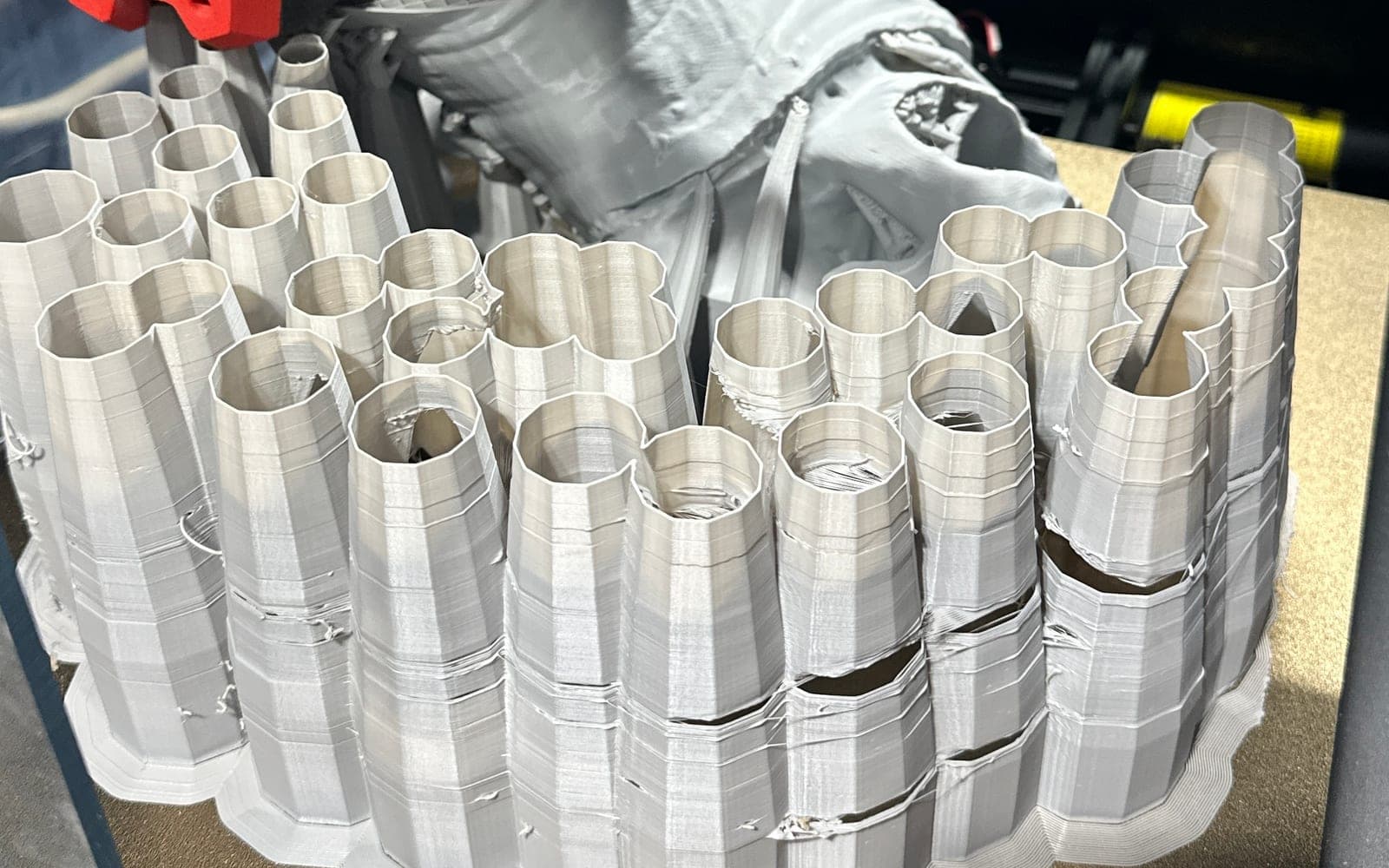
Start with the file, choose the settings, then review the quote before printing.
A 3D print starts with a digital model file. Many customers find files on model sites, while others export a file from CAD or design software.
Model pages often include several versions, optional pieces, and creator instructions. Download the exact STL, 3MF, OBJ, AMF, STEP, or STP file you want printed.
Material, color, infill, layer height, quantity, and notes all affect the final result. The quote page keeps those choices visible before ordering.
FILE23DPRINT is shipping-only. Most models are typically sent out about 3 days after ordering, depending on size, colors, and current print load.
3D printing is a way to turn a digital model into a physical object. A printer builds the part layer by layer until the finished shape is complete.
For most customers, the important idea is simple: the file controls the shape, and the print settings control how that shape is made.
The most common beginner file is STL. Modern model sites also use 3MF, and some design tools export OBJ, AMF, STEP, or STP files.
A web link can help you remember where a model came from, but exact pricing requires the actual file because one page can contain many different parts, scales, and versions.
FILE23DPRINT respects creator ownership. Customers must download free files or purchase paid files from the original source before uploading them for printing.
That protects model creators and prevents confusion when a listing includes paid files, remix rules, non-commercial licenses, or multiple file packs.
The biggest price drivers are model size, material used, print time, quantity, layer height, infill, support material, and how much review or cleanup the file needs.
A small solid part can cost more than a larger hollow display piece if it needs high strength, slow layers, tight tolerances, or a difficult orientation.
PLA is a common material for display models, prototypes, organizers, and light-duty indoor prints. It is often a good starting point for simple projects.
PETG is commonly used when a part needs more everyday toughness. The right material depends on heat, load, impact, fit, outdoor exposure, and how the print will be used.
Links are useful for rough estimates and source tracking, but they do not always identify the exact file. A model page may include left and right versions, pre-supported versions, alternate sizes, or several optional pieces.
Uploading the exact file gives FILE23DPRINT the geometry needed for accurate quoting, shipping calculation, and production review.
Glossary
These are the words customers run into most often when downloading files or changing quote settings.
A common 3D model file format that describes the surface shape of a printable object.
A newer 3D file format that can carry more print context than a basic STL, depending on how it was exported.
Software that converts a 3D model into printer instructions, usually by creating layers and toolpaths.
The thickness of each printed layer. Lower layer height can look smoother but usually takes longer.
The internal structure inside a printed part. More infill can add strength, weight, time, and cost.
Temporary printed structures used to hold overhangs while the model prints.
The outer shell thickness of a print. It often matters more than infill for strength and durability.
A project made from several files or pieces, often used for large models, props, or assemblies.
Beginner questions
No. You can upload the file, choose basic settings, and add notes about how the part will be used. FILE23DPRINT can review the request before production.
No. Customers need to download free files or purchase paid files from the original source, then upload the exact file for quote review.
A link can be used for a rough estimate or source reference, but direct file upload is required for accurate pricing and purchase.
Most models are typically sent out about 3 days after ordering, depending on print size, colors, material, file complexity, and current shop load.
The best next step is uploading the exact file you want printed. You can still save the original source link in your notes, but the file is what makes accurate pricing possible.