Exact files make better quotes
FILE23DPRINT respects creator ownership. Customers download or purchase files from the original source, then upload the exact file for pricing and production review.
MakerWorld file printing
MakerWorld model pages often include profiles, 3MF files, color notes, and multiple parts. FILE23DPRINT helps you bring the exact downloaded file into a print quote.
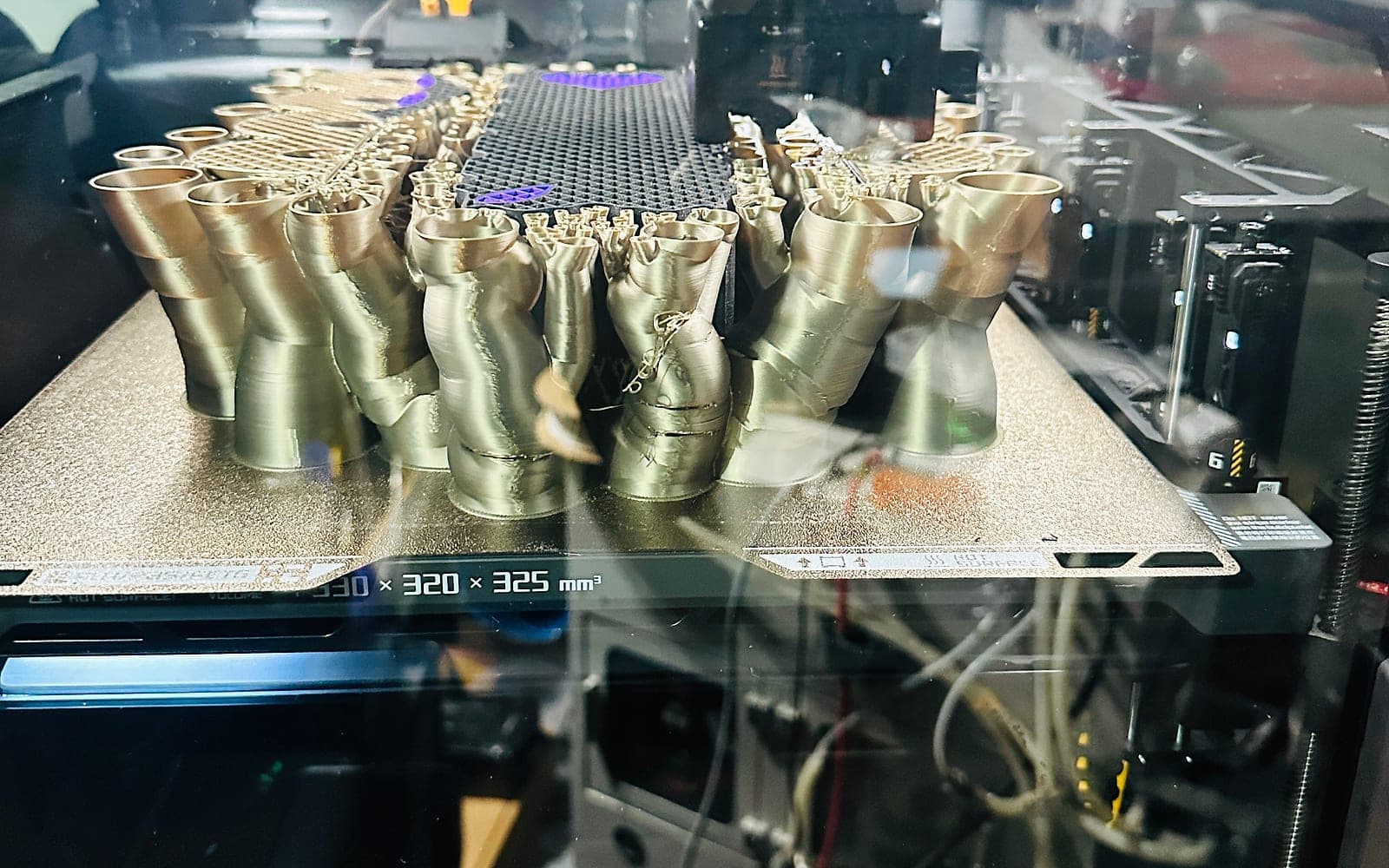
Download the exact MakerWorld file, then upload it for quote review.
FILE23DPRINT respects creator ownership. Customers download or purchase files from the original source, then upload the exact file for pricing and production review.
3MF files
Profile-based models
Display pieces
Multi-part prints
The original MakerWorld page is where customers should check creator instructions, print profiles, license terms, and file options.
FILE23DPRINT can help quote the print after you upload the file, but it does not host or resell creator models.
Links are helpful for discovery and tracking, but they do not always expose the actual geometry needed for pricing.
Upload the selected 3MF, STL, OBJ, AMF, STEP, or STP file for the most accurate quote.
Yes. 3MF files are supported for quote review when you have downloaded the file from the source and have the right to use it.
Creator profile information may help, but exact production choices still need review through the FILE23DPRINT quote flow.
Yes. Include notes for colors, part names, quantities, and optional pieces when uploading.
Next step
Upload the model file you want printed, choose material and settings, then review the quote before submitting the order.