Exact files make better quotes
FILE23DPRINT respects creator ownership. Customers download or purchase files from the original source, then upload the exact file for pricing and production review.
Model source printing
Thingiverse-style model pages can include multiple files, remixes, instructions, and license notes. FILE23DPRINT helps you search, open the source, download the right file, then upload it for pricing.
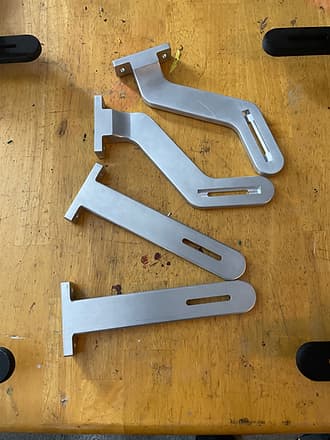
Open the original model page, download the file, then upload it for exact quote.
FILE23DPRINT respects creator ownership. Customers download or purchase files from the original source, then upload the exact file for pricing and production review.
Free STL models
Replacement parts
Hobby files
Remix source pages
Model files belong to their creators or source platforms. FILE23DPRINT respects creator ownership and cannot purchase, download, or bypass restrictions for customers.
The clean workflow is to download from the source yourself, confirm the license and file version, then upload the exact file for printing.
A source link can help with discovery and a rough starting estimate, but exact quote review needs the model geometry from the actual file.
After upload, you can review material, color, infill, layer height, quantity, and shipping before submitting.
Yes, when the customer downloads and uploads the file and has the right to use it for printing.
A model page can include many files and versions. Exact pricing requires the specific STL, 3MF, OBJ, or AMF file selected by the customer.
Only after the customer purchases and uploads the file. FILE23DPRINT cannot buy files for customers.
Next step
Upload the model file you want printed, choose material and settings, then review the quote before submitting the order.